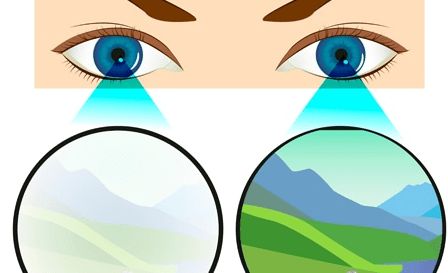
Staring at Computer screen a lot??? Things to know about Computer Vision Syndrome
Dated: 5th April 2022
Source: Google images
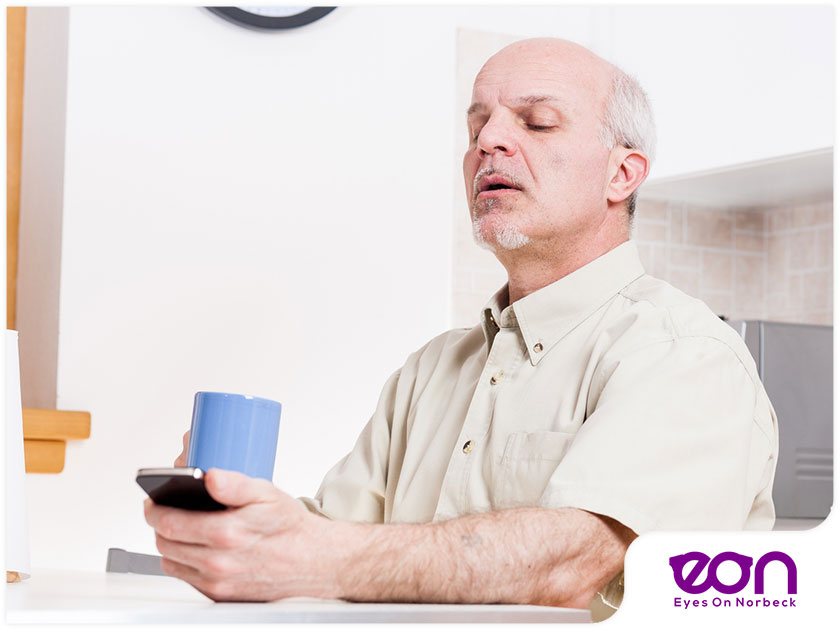
Do you spend more than two hours a day working on a computer? Do your eyes feel tired in the evening after working on a computer screen? Do you occasionally suffer from blurred vision or stiff neck and shoulder pains? If Yes, then like millions of others, you too may be suffering from computer vision syndrome (CVS) or computer eye syndrome.
According to a study conducted by the National Institute of Occupational Safety and Health (NIOSH), around 60% of computer users in the workplace suffered from lower back pain, shoulder and neck pain, while more than 70% of them complained of eyestrain. Since many of us, even children these days, spend an increasing amount of time staring at computer screens or smartphones, it tends to put a lot of strain on our eyes.
What is Computer Vision Syndrome?
Computer vision syndrome, also known as digital eye strain, is a complex of eye and vision problems which are experienced with the use of the computer.
What causes Computer vision syndrome?
The visual demand when one is viewing the display on the computer screen is very high when compared to reading a printed text. This is because an image produced on the screen is made up of thousands of tiny spots or pixels. So, the margin of the image or a word is usually not sharp.
Poor resolution (As the resolution decreases, the image quality deteriorates, and the reader’s visual demand must be increased in order to fully understand the wording or image)
The contrast (intensity of the light) of the word to the background,
The glare of the computer screen and the reflection from the glass screen
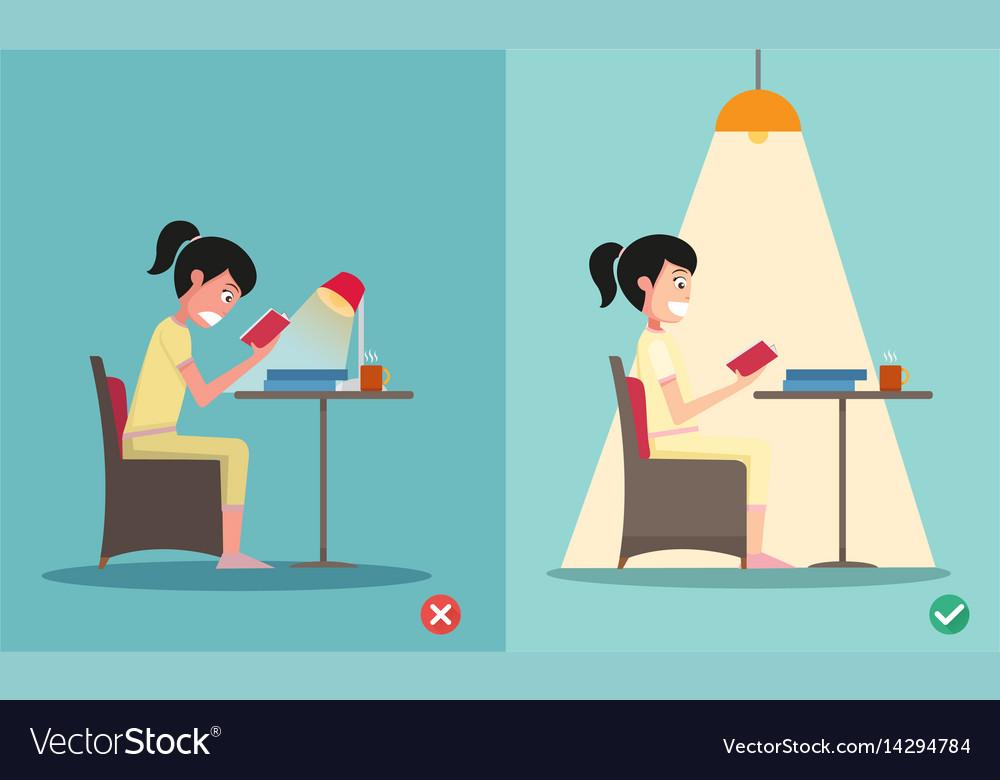
Poor lighting
Poor posture while using a computer
Viewing a computer at the wrong distance and angle
Uncorrected vision problems (not using corrective glasses while viewing)
Blinking less frequently (Blinking adds moisture to the eye surface. When you work on a computer, you tend to blink less than normal.)
Source: Google images
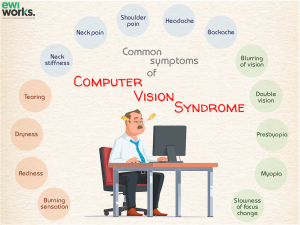
Symptoms of Computer vision syndrome
Eye pain
Headache
Blurred vision
Non-ocular issues such as neck and shoulder pain
Dryness of eyes
Irritation of eyes
Difficulty in changing focus, both near and far
Preventing Computer Vision Syndrome
A. Eye- related
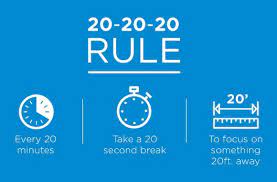
After every 20 minutes, take a 20 second break and look 20 feet away. This will help your eye muscles to relax.
Avoid working on the computer screen for long hours. Close your eyes, get up for a glass of water or chat with a colleague to relieve eyestrain.
Blinking is very important when working on a computer as it moistens your eyes to prevent dry eye & irritation.
For people who work long hours on computer screens may consider using customized computer glasses with a special coating. The coating is also a good choice if you wear bifocals or progressive lenses.
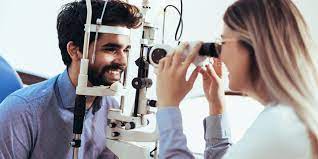
To ensure that your eyes stay healthy and fresh, remember to get regular eye check-ups done so that any issues with your vision can be detected in its early stage.
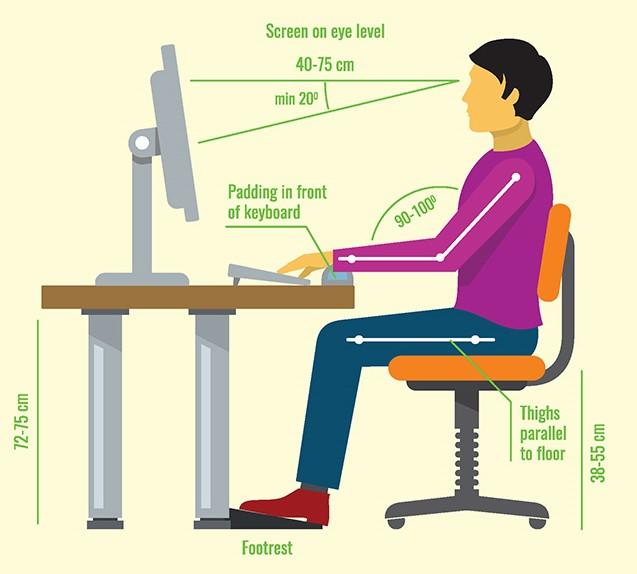
Location of the computer screen: Most people find it more comfortable to view a computer when the eyes are looking downward. Optimally, the computer screen should be 15 to 20 degrees below eye level (about 4 or 5 inches) as measured from the center of the screen and 20 to 28 inches from the eyes. Tilt the top of the screen away at a 10- to 20-degree angle.
Seating position: Chairs should be comfortably padded and conform to the body. Chair height should be adjusted so the feet rest flat on the floor. Arms should be adjusted to provide support while typing and wrists shouldn’t rest on the keyboard when typing.
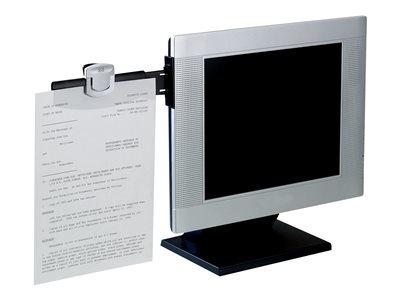
Reference materials: You may place them above the keyboard and below the monitor, or you may use a document holder beside the monitor. The goal is your head does not need to be repositioned from the document to the screen.
Lighting. Position the computer screen to avoid glare, particularly from overhead lighting or windows. Use blinds or drapes on windows and replace the light bulbs in desk lamps with bulbs of lower wattage.
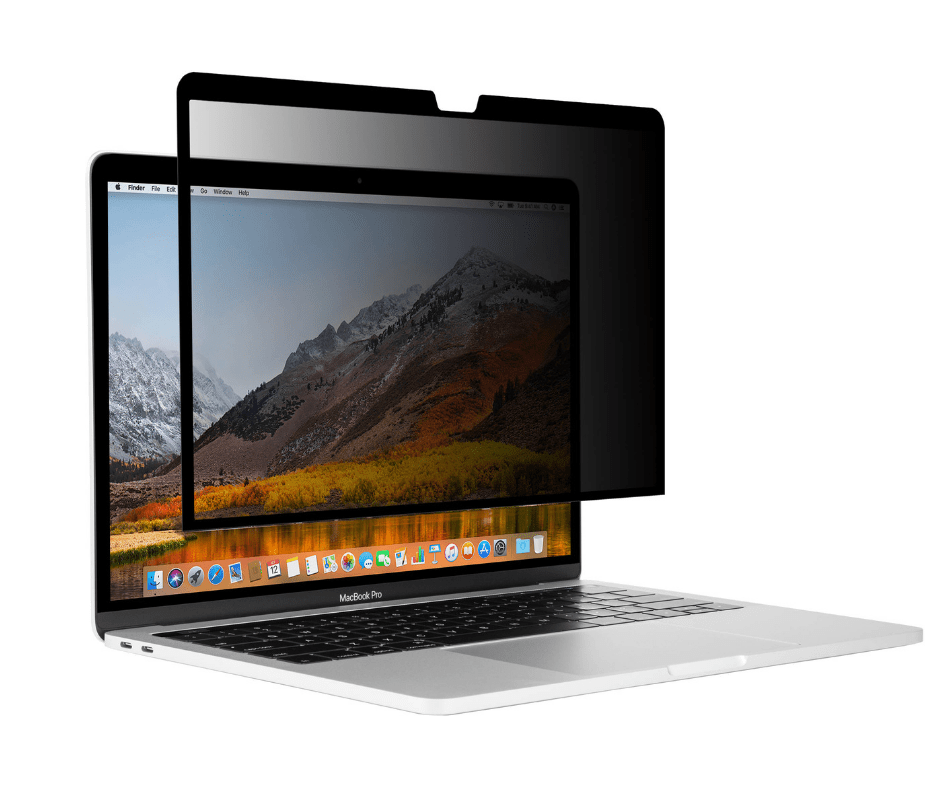
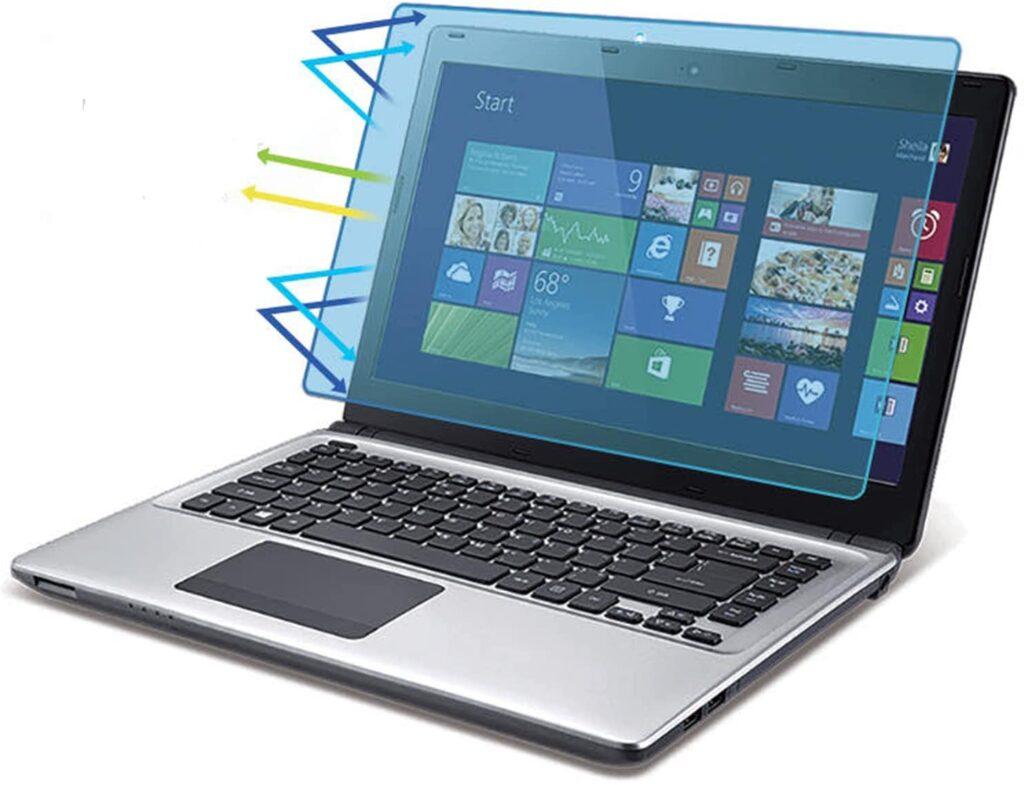
Anti-glare screens. If there is no way to minimize glare from light sources, consider using a screen glare filter. These filters decrease the amount of light reflected from the screen.
Minimize discomfort from blue light. Blue light from LED and fluorescent lighting, as well as monitors, tablets and mobile devices, can negatively affect vision over the long term. Special lens tints and coatings can reduce the harmful impact of blue light.
Prevention or reduction of the vision problems associated with CVS or digital eyestrain involves controlling lighting and glare on the device screen, establishing optimal working distances and posture for screen viewing, and ensuring that even slight vision impairments are adequately rectified.